Internet television has changed the way people watch live channels, movies, and series. Instead of depending entirely on traditional cable or satellite connections, IPTV services deliver television content through internet networks. MegaOTT.io follows this general IPTV model by providing subscription-based access to live television and on-demand content through compatible players and supported devices.The basic idea is fairly simple. 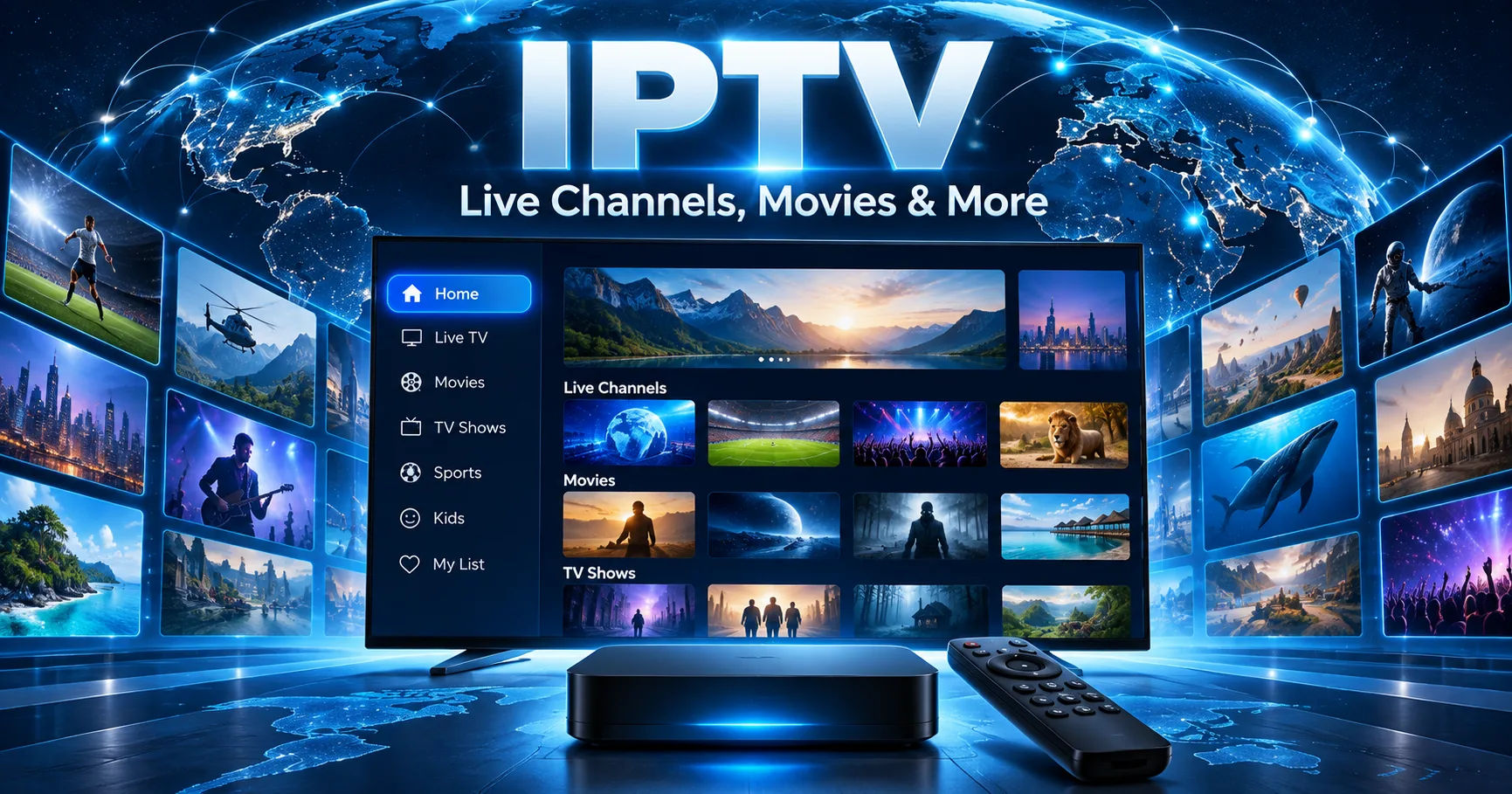 A user chooses a subscription or trial, receives the necessary account or playlist information, installs a compatible IPTV player, and connects that player to the service. The player then displays the available channels, movies, series, and other supported features.
The experience depends on more than the subscription itself. The internet connection, device, IPTV player, source feed, and available content all influence playback. This is why understanding how the service works is useful before choosing a plan or troubleshooting a problem.
MegaOTT.io separates the service account from the player interface. In practical terms, the subscription provides access while a compatible player gives you the interface through which you browse and watch content. The company's current information lists support for major device platforms and several player options.
What Is MegaOTT.io?
MegaOTT.io is presented as an IPTV service that combines live television with video-on-demand content. Its current website lists more than 28,000 live channels, 200,000 movies, and 62,000 series, although the company notes that catalogues and individual feeds can change over time.
The service organizes content into different categories, including regional, country, language, sports, news, entertainment, and other groups. This organization is important because IPTV services can contain a very large amount of content, making category and search functions useful for everyday viewing.
It is also important to understand that the numbers displayed on an IPTV website do not mean every channel or title will always be available to every user. Availability can depend on region, source feed, device, player, and changes to the catalogue.
For that reason, users should treat the published catalogue as a current service reference rather than a permanent guarantee of every individual channel or programme.
How Does MegaOTT.io Deliver Content?
At its simplest, the process involves internet-based content delivery.
Traditional television may use broadcast signals, cable networks, or satellite transmission. IPTV instead uses internet protocol networks to deliver video streams to a compatible device.
When you select a channel, the IPTV player requests the relevant stream through the internet. The stream is then received by the device and decoded so that you can watch it on a television, phone, tablet, computer, or another supported device.
The quality of that experience depends on several stages working together.
The service needs to provide a functioning stream. Your internet connection needs enough capacity to receive it. The player must support the stream format. Your device must be capable of decoding the video. Finally, your display needs to handle the selected resolution.
This explains why two people using the same IPTV subscription can sometimes experience different playback quality.
The Role of the IPTV Player
One of the most important parts of understanding how MegaOTT.io works is recognizing the difference between the IPTV service and the IPTV player.
The player is essentially the viewing interface. It can provide menus for live television, movies, series, search, favourites, and programme-guide information where those features are supported.
MegaOTT's current documentation discusses player options such as IBO, TiviMate, and Smarters, along with device-specific setup guidance.
Installing an IPTV player does not automatically give you access to the MegaOTT service.
The account or playlist information supplied for your trial or subscription is still required. This distinction is useful because many beginners assume that downloading an IPTV application and subscribing to a service are the same thing.
They are separate steps.
The application provides the interface. The subscription provides the service access.
How the Setup Process Works
Getting started generally follows a straightforward sequence.
First, the user selects a compatible device. This could be a Fire TV device, Android TV, Google TV, Samsung Smart TV, LG Smart TV, mobile device, Apple TV, Windows computer, macOS computer, MAG device, Formuler device, or another supported platform.
Next, the user installs a compatible IPTV player. The exact installation method depends on the operating system.
After that, the user enters the account or playlist details provided by the service. The player uses those details to retrieve the available content.
Once the connection is successful, the interface can display categories such as Live TV, Movies, Series, and EPG where supported.
The precise menus differ between applications, so instructions written for one player may not match another player exactly.
How Live TV Works
Live television is one of the main functions of MegaOTT.io.
The service organizes live channels into categories, which may include sports, entertainment, news, children's programming, regional channels, and language-based groups. The exact availability can change.
When you select a live channel, the player connects to the relevant stream and begins receiving the video data.
Unlike downloading a complete movie before watching it, streaming normally sends the media progressively. Your device receives a portion of the stream, processes it, and continues receiving additional data while playback continues.
This is why internet performance matters so much with IPTV.
If the connection becomes unstable or the stream source experiences problems, playback may pause, freeze, or reduce quality.
How Movies and Series Work
MegaOTT.io also provides video-on-demand content.
Movies and series work differently from live television from the viewer's perspective because the user generally selects a specific title rather than joining an ongoing broadcast.
The current service information lists a large movie and series catalogue, with search and category functions available through compatible players where supported.
For series, the player may organize content by show, season, and episode when that information is supplied by the source.
Metadata can vary. A particular title might have artwork, descriptions, episode information, or other details in one player while appearing differently in another.
The underlying content and the player interface are therefore two separate parts of the viewing experience.
What Is EPG and How Does It Work?
EPG stands for Electronic Programme Guide.
It works similarly to a traditional television guide by showing programme information for supported channels.
When EPG data is available, a compatible player can display current and upcoming programmes. This makes live television easier to navigate because users can see what is playing without opening every channel individually.
However, EPG coverage is not necessarily universal.
MegaOTT states that EPG information is available for supported channels and compatible players where data is supplied. Coverage may differ between channels and categories.
If one channel has programme information while another does not, that does not automatically mean the IPTV application is broken. The source may simply not provide guide information for that particular channel.
What Devices Can Use MegaOTT.io?
Device compatibility is one of the practical advantages of the IPTV model.
Current MegaOTT documentation lists setup guidance for Fire TV, Android TV, Google TV, Samsung and LG Smart TVs, Android phones and tablets, iPhone, iPad, Apple TV, Windows, macOS, MAG, Formuler, and Enigma2 workflows.
The installation process is not identical across these platforms.
For example, an Android-based device can use an Android-compatible application package, while Samsung and LG televisions use their respective television operating systems and app ecosystems.
MegaOTT's IBO documentation specifically notes that an Android APK cannot simply be installed directly on Samsung Tizen or LG webOS televisions. Those platforms require a compatible player from their respective supported environments.
That distinction can prevent a common setup mistake.
Why Internet Speed Matters
An IPTV subscription cannot compensate for a poor home network.
Video streaming requires continuous data transfer. Higher resolutions generally require more bandwidth, while unstable Wi-Fi can create problems even when the advertised internet speed looks sufficient.
MegaOTT's current guidance gives rough planning figures of around 10 Mbps for HD, 20 Mbps for Full HD, and 35 Mbps or more for 4K, while noting that actual requirements depend on codec, source quality, Wi-Fi conditions, and household traffic.
These numbers should not be treated as absolute guarantees.
For example, a household with several phones, computers, gaming devices, and smart televisions using the same connection may experience congestion even when the internet package appears fast enough on paper.
Ethernet can also provide a more consistent connection than weak or crowded Wi-Fi in some home environments.
What Determines Picture Quality?
MegaOTT.io supports HD, Full HD, and 4K options where available, but the advertised resolution is only one part of the equation.
Picture quality can depend on the original source, video encoding, bitrate, network stability, player capabilities, device hardware, and television or monitor.
A 4K label does not automatically mean that every frame will look identical to premium native 4K content from a dedicated streaming platform.
The same applies to HD.
The source itself matters.
MegaOTT's feature information specifically explains that actual quality can vary according to the selected feed, player, device decoder, display, internet connection, and network conditions.
Does MegaOTT.io Guarantee No Buffering?
No streaming service can realistically guarantee perfect playback under every network condition.
Buffering can result from many different causes. The source feed may have an issue. Internet routing may become congested. A Wi-Fi connection may be unstable. Other devices may consume bandwidth. The streaming device itself may have limited resources.
MegaOTT's own feature documentation states that zero buffering cannot responsibly be guaranteed in every situation.
If buffering happens, it is therefore better to identify the source of the problem instead of immediately assuming that the subscription itself is defective.
Testing another channel can help determine whether the problem affects one source or the entire connection.
Testing the same account on another device can also help identify whether the issue is related to hardware or software.
How the 24-Hour Trial Helps
MegaOTT currently promotes a 24-hour free trial.
The purpose of the trial is practical. Instead of choosing a longer subscription without testing the service, users can try it on the device and internet connection they actually intend to use.
A useful trial should involve more than opening one channel for a few seconds.
Users can check their preferred channel categories, movies, series, EPG behavior, player compatibility, and playback quality.
If sports are important, testing the relevant sports categories makes more sense than testing only entertainment channels.
Likewise, someone using a Smart TV should test that exact television rather than assuming that performance on a phone will be identical.
What Happens When You Have a Playback Problem?
Troubleshooting should begin by identifying where the failure occurs.
If every channel fails, the issue may involve the account, network, application, or service connection.
If only one channel fails, the particular source feed may be the problem.
If playback works on one device but not another, the device or player configuration becomes more relevant.
Restarting the application and device can resolve simple temporary problems. Checking the internet connection is another basic step. Users can also verify that the correct account information has been entered.
MegaOTT provides setup and troubleshooting resources and lists WhatsApp and email support for assistance. Its published support guidance recommends providing the device model, player name, connection type, and exact error while keeping passwords and complete playlist URLs private.
Is MegaOTT.io the Same as an IPTV App?
No.
This is an important distinction.
MegaOTT.io represents the service and account side of the setup. An IPTV application is the software used to access and organize that service on a compatible device.
Think of the relationship as similar to having an online account and using an application to access it.
The app does not automatically create the subscription.
Similarly, having a subscription does not mean every IPTV application will necessarily support every feature in exactly the same way.
Player compatibility, EPG behavior, search, favourites, subtitles, and interface design can differ.
What About VPN Use?
VPN compatibility can be useful for users who already use VPN services for privacy or network-management reasons, but a VPN does not magically fix every IPTV problem.
A VPN can change the network route between the device and online services. In some circumstances, that may affect connection stability or routing. In other circumstances, it can reduce performance because the traffic takes a less efficient route.
Users should therefore test their normal connection first.
If a VPN is used, it should be configured according to applicable laws, the service's terms, and the VPN provider's policies.
Is the Content Always Available?
No.
This is one of the most important limitations to understand.
Channels, movies, series, event feeds, EPG information, and source quality can change. Regional availability may also differ.
MegaOTT's current documentation explicitly advises users to verify important categories during the trial because catalogue availability can change over time.
This is particularly relevant for live sports and special events.
A channel that appears in a catalogue does not necessarily mean every event will always be available through that channel.
Testing the content that actually matters to you is therefore more useful than relying only on a general channel count.
How MegaOTT.io Differs From Traditional Television
The biggest difference is the delivery method.
Traditional cable television depends on a cable distribution network. Satellite television relies on satellite transmission and a receiving dish. IPTV uses internet connectivity to deliver streams to compatible devices.
That gives IPTV a different setup model.
A user may be able to watch content on a television, phone, tablet, or computer using the same general service access, provided the relevant device and player are supported.
The trade-off is that internet performance becomes part of the viewing experience.
With traditional television, poor home internet may have no effect on the television signal. With IPTV, network quality can directly affect playback.
Security and Account Considerations
Account security should not be overlooked.
Users should avoid sharing passwords, subscription credentials, or complete playlist URLs publicly.
Applications should also be installed from trusted sources whenever possible. MegaOTT's own IBO guidance specifically advises users to verify the megaott.io destination before installing its APK workflow.
Keeping applications and device software updated can also reduce avoidable compatibility problems.
When contacting support, provide enough technical information to diagnose the problem but avoid sending sensitive account information unnecessarily.
Legal Considerations
IPTV is a technology for delivering television content over internet networks. The legality of a particular IPTV service depends on the content being provided, licensing arrangements, jurisdiction, and applicable laws.
That means the technology itself should not automatically be confused with the legality of every service using it.
Users should review the provider's current terms and policies and make sure their use complies with the laws applicable to them.
MegaOTT publishes terms, privacy information, refund information, and other policy pages on its website.
Conclusion
MegaOTT.io works by combining IPTV subscription access with compatible streaming devices and IPTV player applications. The service supplies access to live television and on-demand categories, while the player provides the interface used to browse and watch that content.
The overall process is straightforward. Choose a compatible device, use a supported player, connect the account or playlist information supplied with the service, and begin browsing available content.
The quality of the experience, however, depends on several moving parts. Internet speed and stability, Wi-Fi performance, device capability, player compatibility, source quality, EPG availability, and catalogue changes can all influence what you see.
The 24-hour trial is therefore particularly useful because it lets users test the actual combination of device, player, internet connection, and content they plan to use. Rather than assuming that every channel or feature will work identically for everyone, testing the service under normal home conditions gives a much clearer picture.
It is also worth remembering that MegaOTT.io and an IPTV player are not the same thing. The subscription provides service access, while applications such as IBO, TiviMate, or Smarters can provide the viewing interface on supported platforms.
Once that distinction is understood, the system becomes much easier to configure and troubleshoot.
In practical terms, MegaOTT.io is best understood as an internet-delivered television and on-demand service whose viewing experience is built around compatible players, supported devices, available content sources, and the user's own network environment. Current service information should always be checked because channel catalogues, device instructions, EPG data, pricing, and other features can change over time.